
Introducing Tapper’s new reporting format
Lotfi Zazoun
•
Business Operations
•
February 16, 2026
•
5 min read
We’ve rolled out a new reporting format across Tapper, used for both monthly client reports and the 30-day free trial report. The update focuses on clarity, structure, and speed of interpretation.
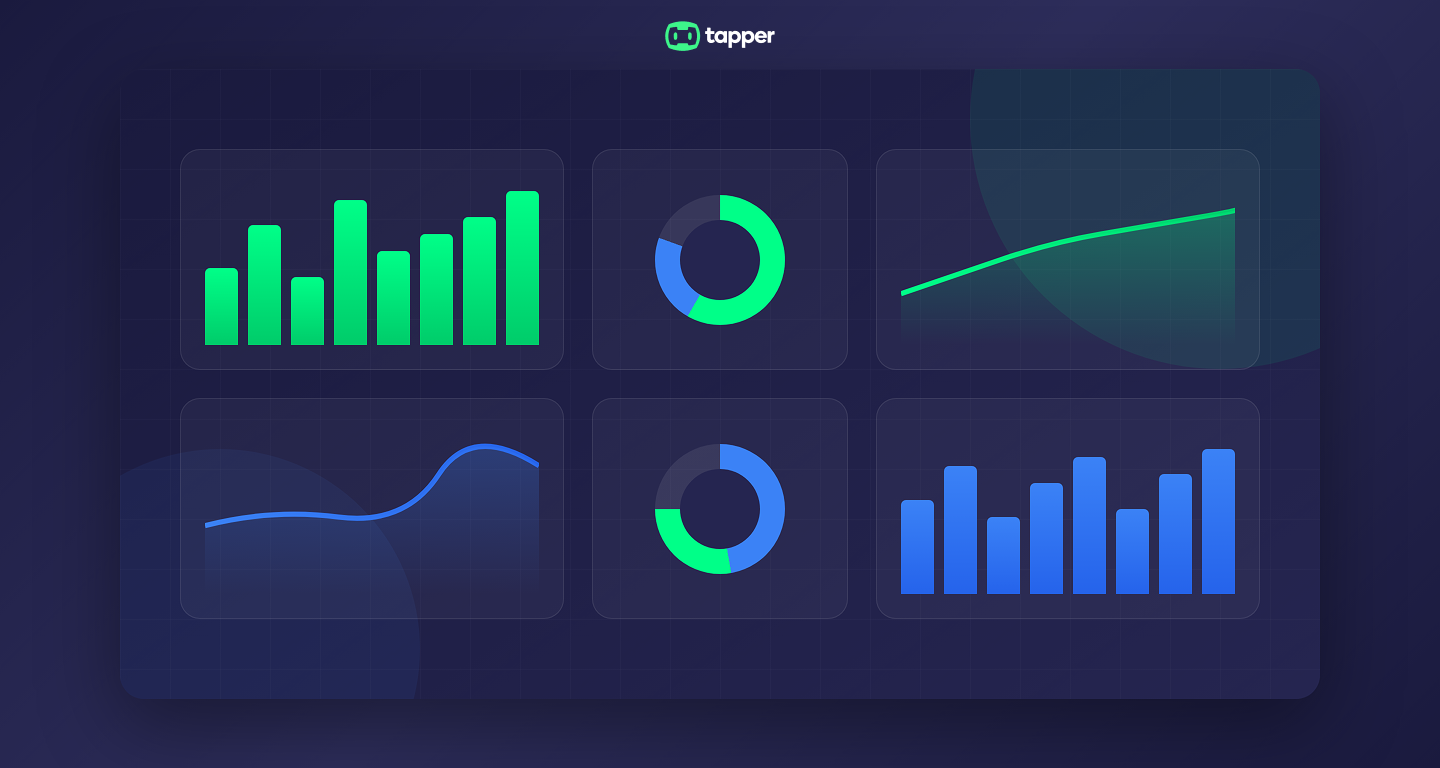
We've rolled out a new reporting format across Tapper.
The goal was simple: make results easier to understand the moment a report is opened. The data has always been there. The update focuses on clarity, structure, and speed of interpretation.
This new format is now used for:
- Monthly client reports
- The 30-day free trial report
Both follow the same structure, metrics, and logic.
Why we updated the reports
As Tapper grew, reports were being used by more teams. Performance managers, finance teams, and leadership all review the same data, often with different questions in mind.
We redesigned the reporting format so that:
- key results are visible immediately
- performance impact is easier to explain internally
- comparisons are clearer and more consistent
The aim was not to add more information, but to make existing insights easier to access.
One reporting format across trials and monthly reporting
The same report design is now used for both the 30-day free trial and ongoing monthly reporting.
This means:
- trial results look exactly like live client reports
- teams know what to expect before moving from trial to paid
- performance can be compared using the same framework over time
The only difference is the time period and whether traffic blocking is active.
Monthly client reports
Monthly reports focus on performance during active protection.
They highlight:
- total spend and clicks
- blocked clicks and invalid traffic rate
- saved budget
- conversions and CPA
- month over month changes when available
The layout keeps performance metrics and traffic quality metrics clearly separated, so results are easier to interpret.
Example: monthly performance summary section
The 30-day free trial report
The free trial report is structured around two phases.
Monitoring phase
During the first phase, Tapper monitors traffic without blocking it. This establishes a clean baseline.
The report shows:
- invalid traffic detected
- estimated wasted spend
- traffic quality indicators
Blocking phase
During the second phase, Tapper actively blocks invalid traffic.
The report shows:
- blocked clicks
- protected budget
- CPA and conversion impact
- changes in traffic quality
This makes the impact of blocking easy to review and easy to share.
Example: free trial report showing monitoring and blocking periods
Clear visibility into invalid traffic
Both reports include a breakdown of invalid traffic types.
This helps teams understand what is being filtered and why it matters.
Common categories include:
- bots
- data center traffic
- aborted ad clicks
- geographic inconsistencies
- excessive repeat clicks
This section adds transparency and helps explain savings beyond surface level metrics.
Budget protection and efficiency impact
The updated format clearly shows how traffic quality improvements translate into efficiency.
Depending on the data available, reports show:
- saved ad spend
- CPA changes
- conversion stability or improvement
If revenue per conversion is available, revenue impact can also be included. If not, the report focuses on protected budget and efficiency gains.
Early feedback
Early feedback on the new reporting format has been very positive. Teams have highlighted:
- clearer structure
- faster understanding
- easier internal sharing
- more confidence explaining results
This feedback confirms the direction of the redesign.
What this means going forward
The new reporting format is now standard across Tapper.
Whether reviewing a free trial or a monthly report, teams see the same structure, the same metrics, and the same logic. This consistency makes performance easier to track and easier to trust.
More refinements will continue as we gather feedback and expand reporting capabilities.
Stop Paying for Fake Traffic
Run a 30-day Tapper trial to set your baseline CPA, block invalid traffic in real time, and receive a final report comparing your CPA before and after protection.
Get a demo